Order by 3:00 PM Monday – Friday to receive your parcel the next day.
Orders placed after 3:00 PM ship the next working day on the same 24‑Hour service and usually arrive the following day.
See Full Delivery Information.
Overview
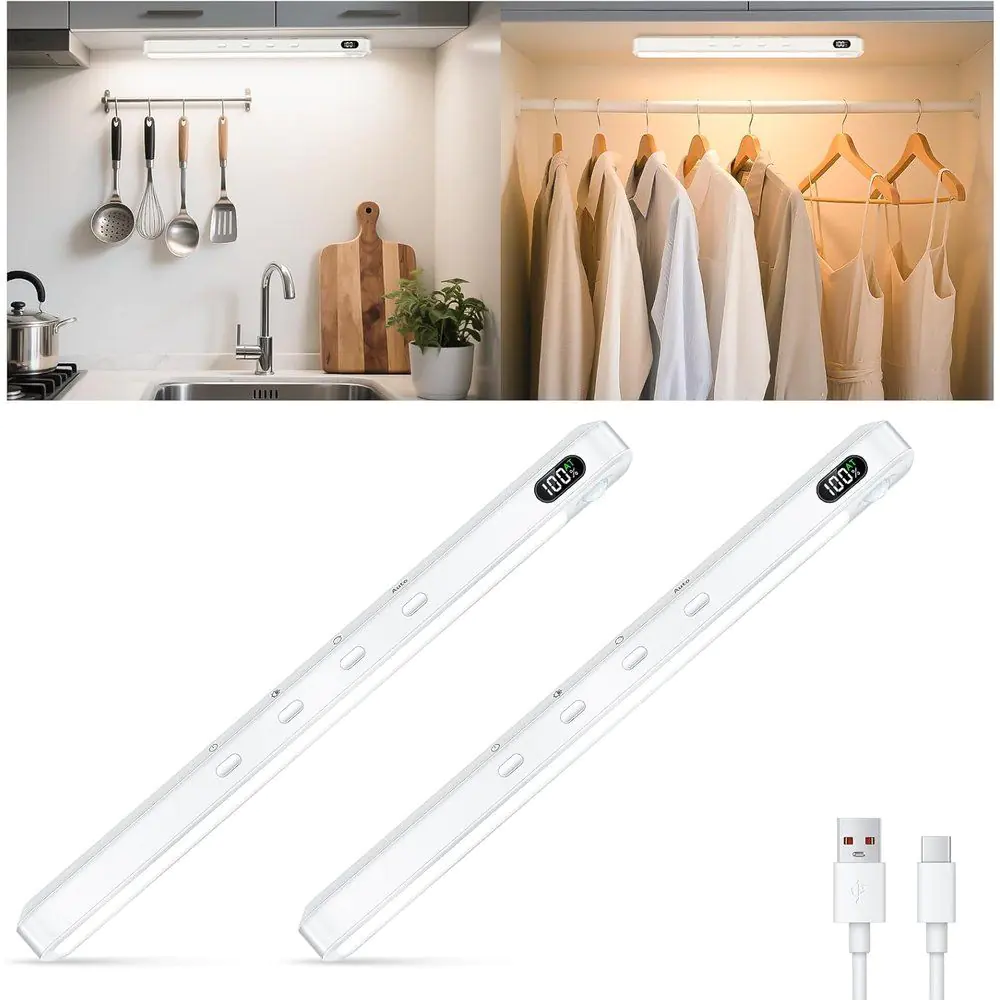
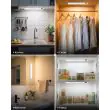
Lights up cupboards, wardrobes and kitchen counters the moment you move, with three colour settings, five brightness levels and a magnetic, tool-free fit.
Two 25cm light bars in white
Switches on by itself when you walk past in the dark
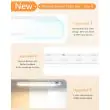
Warm, natural or cool white at the press of a button
Two slim, rechargeable light bars that switch on as you open a cupboard, reach into a wardrobe or walk down a dark hallway, then switch themselves off again. Fix them with the built-in magnets or the stick-on iron plates, and take them down to recharge whenever the display tells you to.
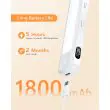
Up to 5 hours of always-on light at full brightness, or around 2 months in auto mode with normal use, according to the maker. Lower brightness makes it last longer.
How do I know when it needs charging?
The display on the bar shows the battery percentage, so you can see the charge at a glance and top it up before it runs out.
Will it fit inside a wooden or painted cupboard?
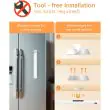
Yes. Stick one of the iron plates to the surface and the bar holds on to it by magnet. On steel it sticks straight on without a plate.
Does it come on during the day?
In auto mode it only switches on in dark or dim conditions, so it won't waste charge in daylight. Always-on mode works whenever you switch it on.
Can I choose the light colour?
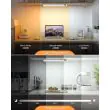
Yes: warm white (3000K), natural white (4500K) or cool white (6000K), each at five brightness levels, all set with the buttons on the bar.
No tools, wiring or drilling. Each bar takes a couple of minutes to fit.
1. Charge First
Fully charge each bar before first use with the USB-C cable supplied. It takes about 1.5 hours; the display shows 100% when it's full.
2. Pick the Spot
Choose where the light should fall: the top of a wardrobe, the underside of a wall unit or the inside of a cupboard. Keep the sensor end facing where people will move.
3. Steel Surface?
If the surface is steel, simply place the bar on it. The built-in magnets hold it in place.
4. Any Other Surface
Clean and dry the surface, peel the backing off an iron plate and press it on firmly. Then place the bar on the plate.
5. Set It Up
Choose auto or always-on mode, then pick your colour and brightness with the buttons. Walk past to check the sensor picks you up.
6. Recharging
When the display runs low, lift the bar off its plate, charge it by USB-C and put it back. The plate stays where it is.